
Ren'Py Focus Bars
A downloadable Plugin
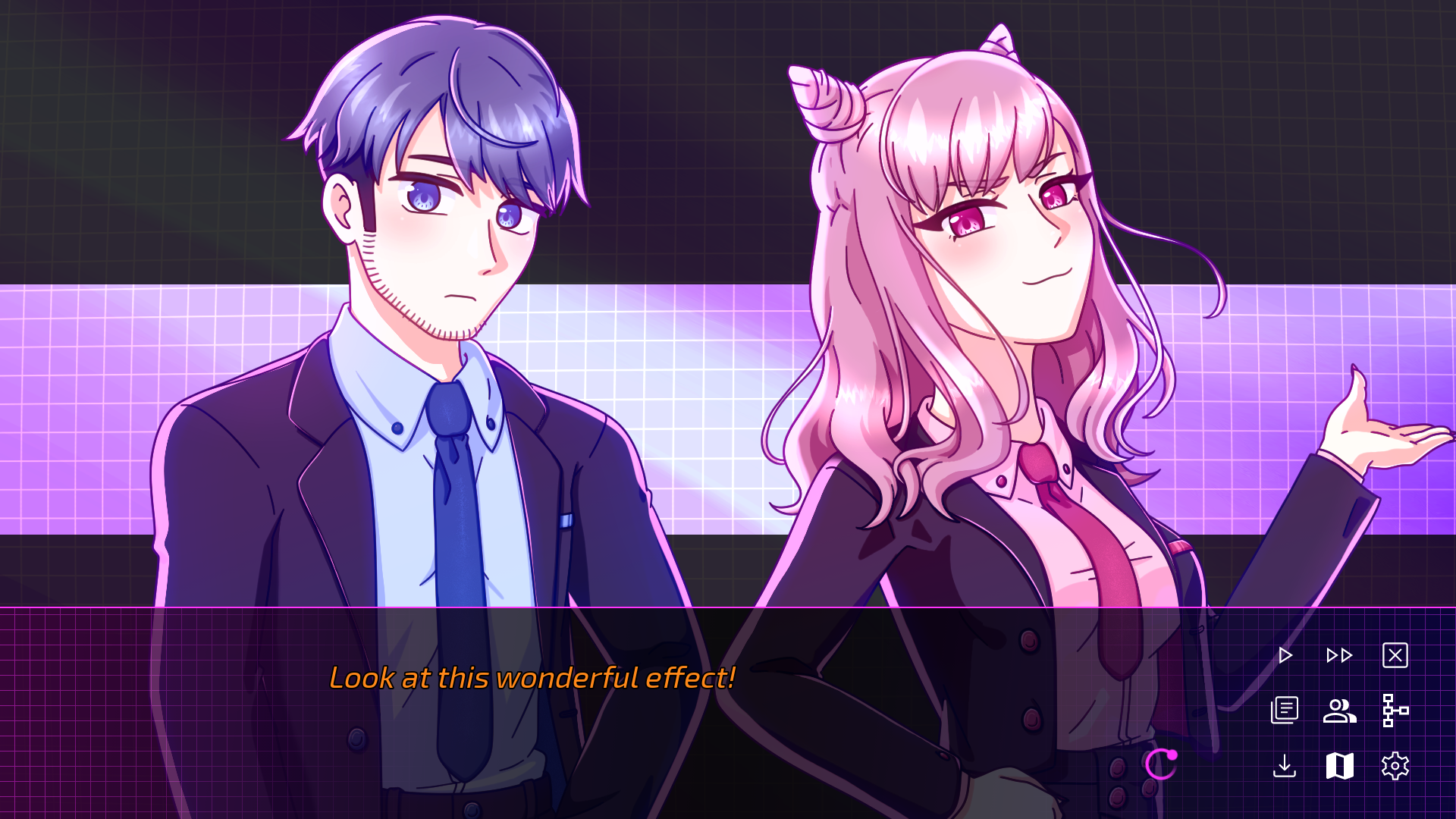
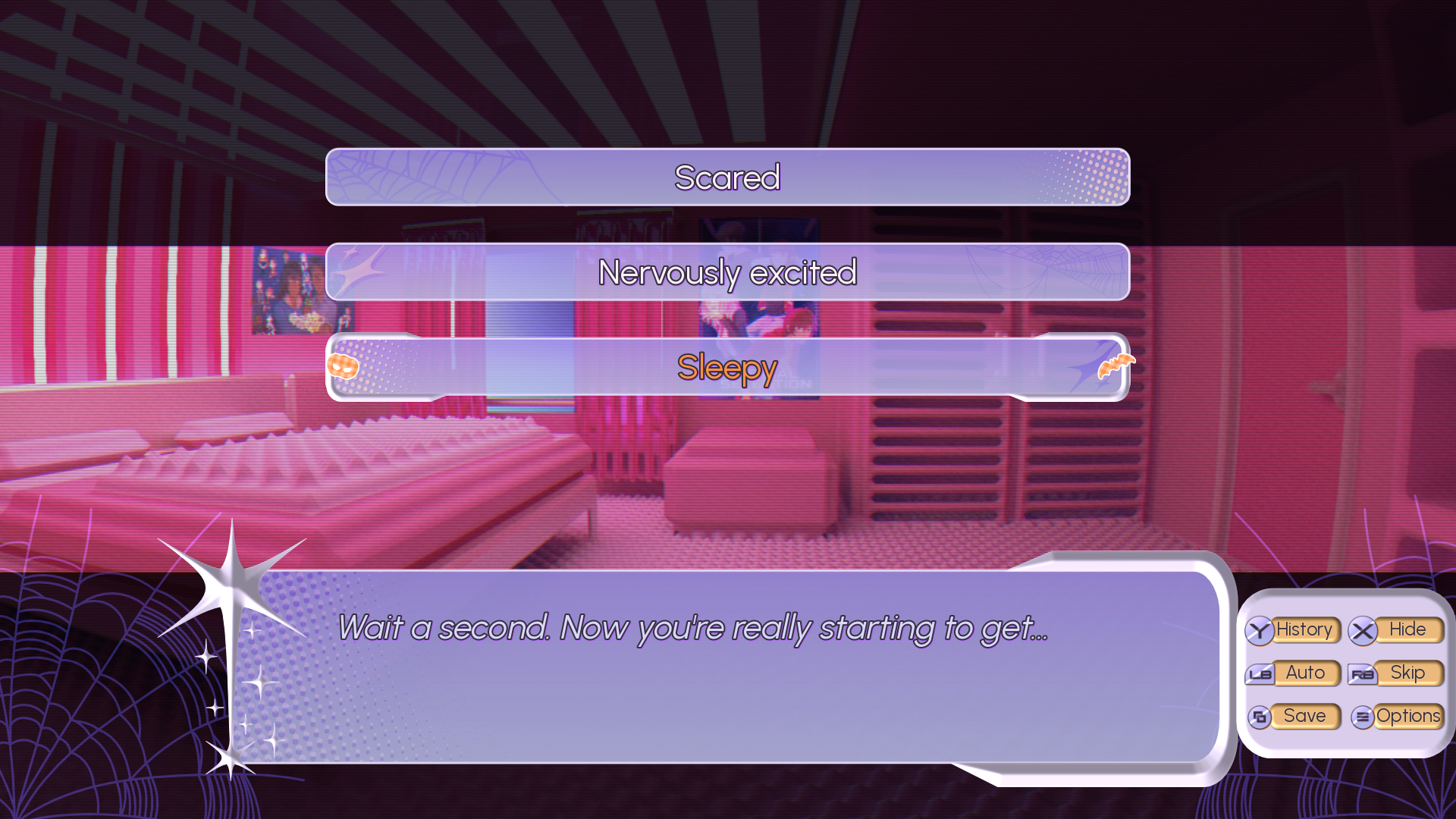
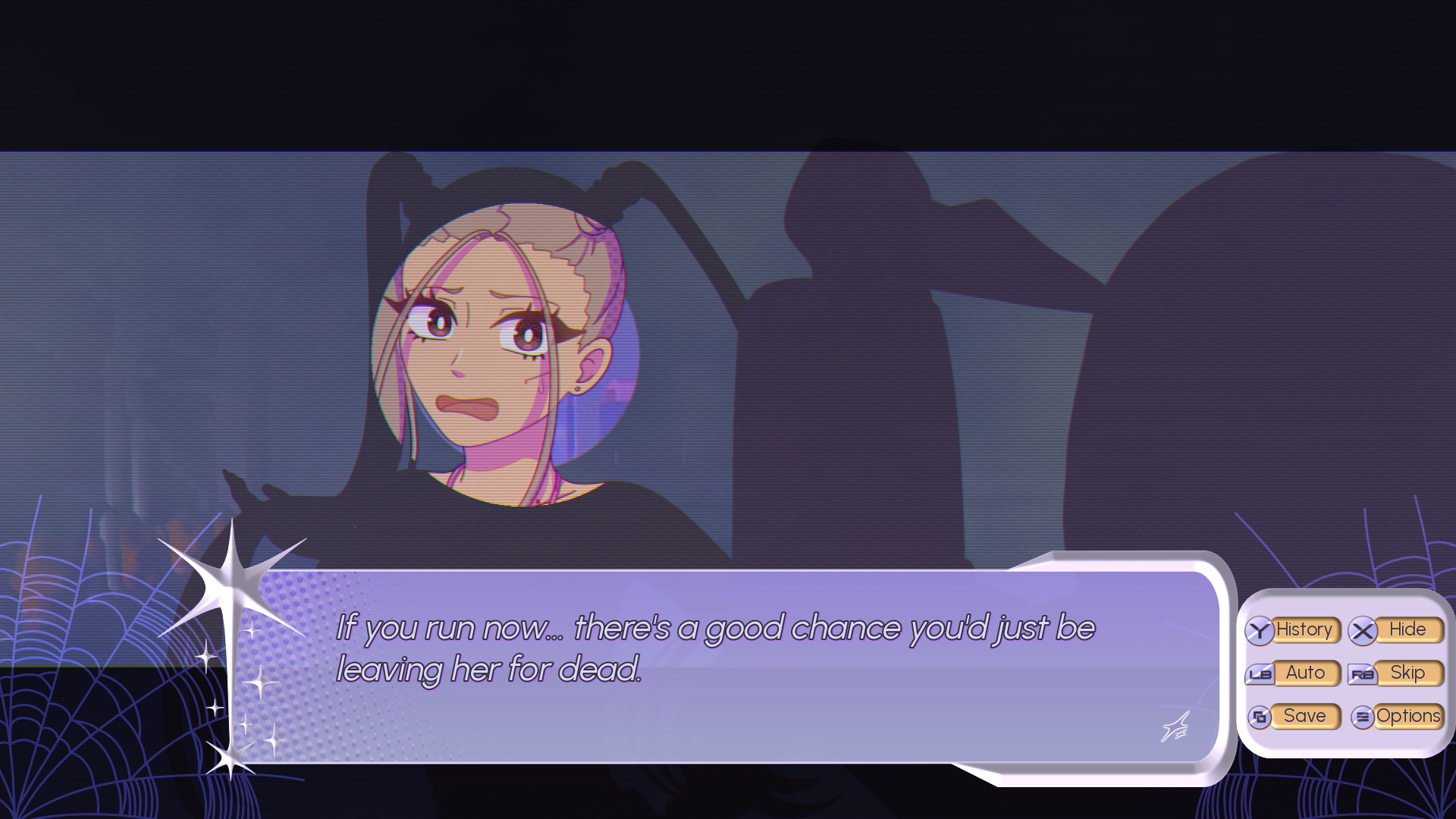
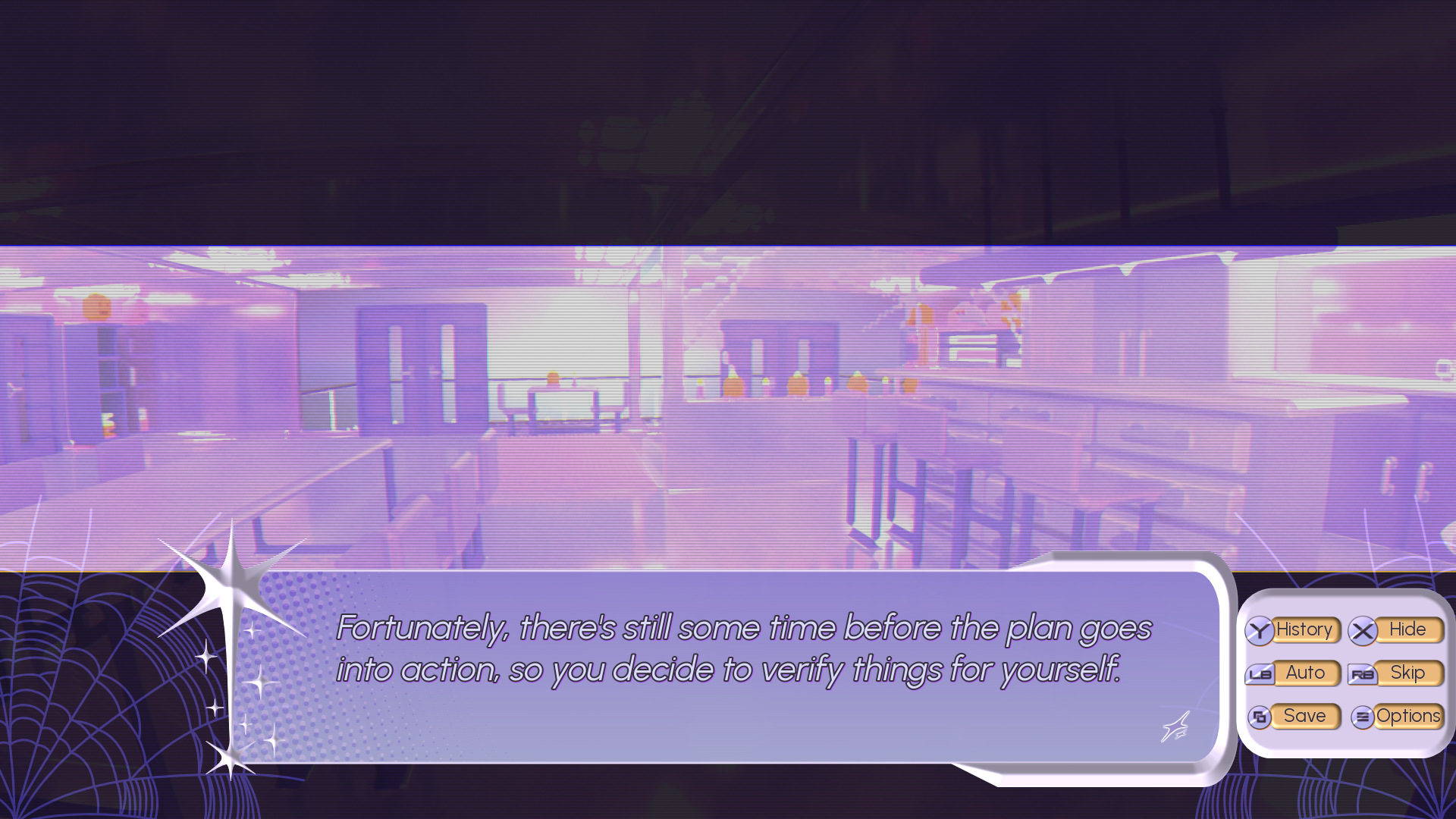
Want to add dark bars to imply that your player character is zoning out?
Or make a character stand out in front of the background — for example during their introduction?
This plugin gives you a ridiculously easy way to add this effect whenever needed. Just one line of code will do all the heavy lifting for you!
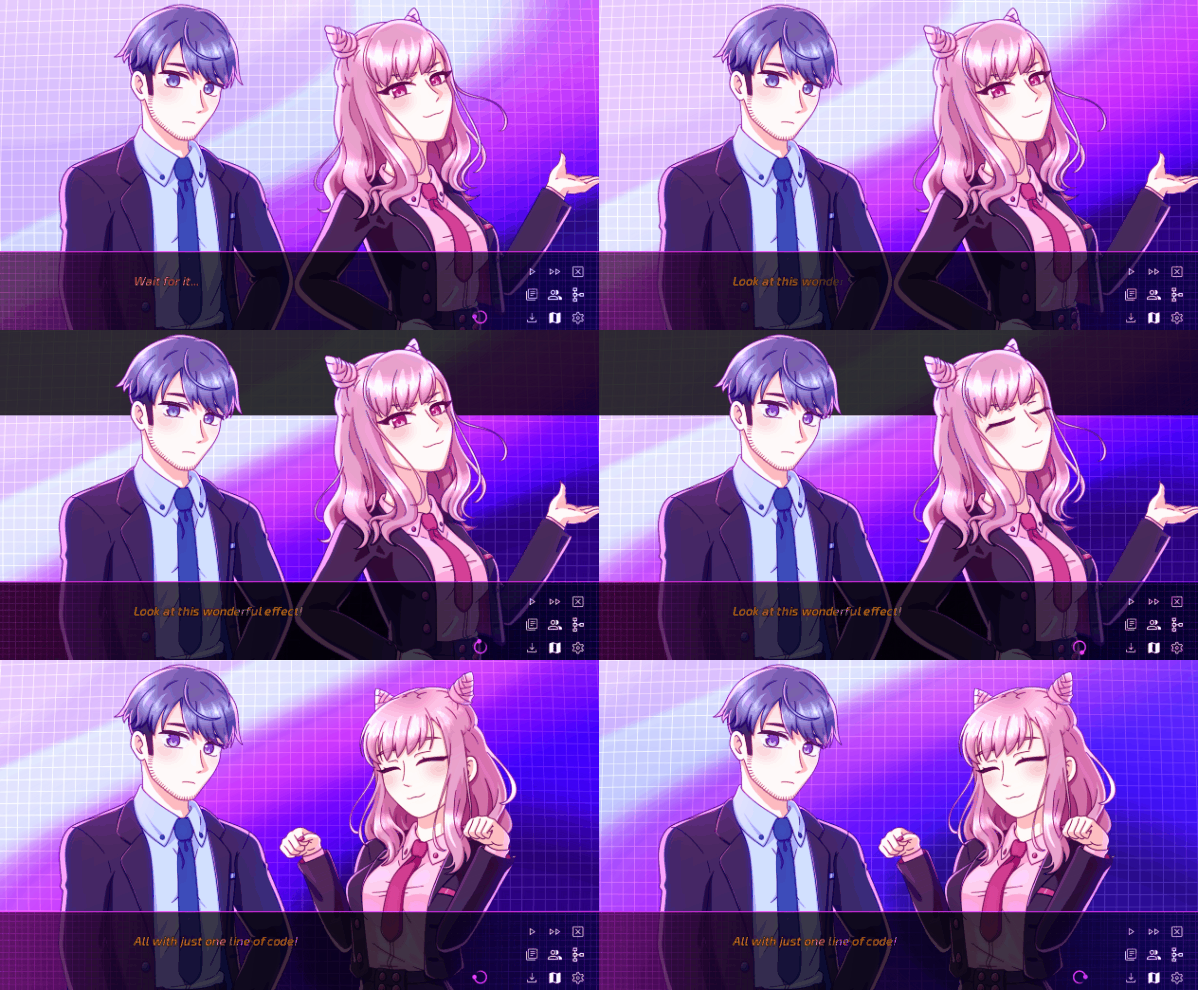
Example gif is from my current main project, Artificial Selection!
Other screenshots are from my upcoming game SpookY2K!
Features
- 100% plug-and-play
- Flexible customization options: size, opacity, blend mode, and whether the bars are shown behind or in front of characters
- The function works like a toggle, so you don't need to remember if you need to "show" or "hide" things
- Bars can always be adjusted on a case-by-case basis
- Contains example code with various modifications
How to Use
- Plop focus_bars.rpy into your game's script folder
- Adjust some values, if needed
- Now you can use the $focus() function whenever you need it!
Updates
2026/02/18: Renamed defaults and added an additional example!
2026/02/13: Added support for dynamic animation time changes!
2026/02/12: Launch!
↓ Got any additional feature requests or ideas? ↓
↓ Feel free to comment below! ↓
Download
Click download now to get access to the following files:
Development log
- Focus Bars for Ren'Py released!Feb 13, 2026
Comments
Log in with itch.io to leave a comment.
Thank you for making this. It's the "small, but useful" kind. Another good one to add to my arsenal.
Initially, I was seeing the wrong image because in the project I tested it on already had a "focus" image.
Jumping to focus_test is straightforward to see it in action. I intent to use it but for different purpose (likely, with tweaks).
I just wish I didn't have to edit variable variable names and image names for it (in my case, the "focus" image and the "focusing" variable).
Thank you, that's a great point! I've now updated the file with different default names for the "focusing" variable and the "focus" image.
Let me know what kinds of tweaks you were thinking of, and I might add this additional functionality for everyone!
Thank you. That helps and should help others too.
I think the rest is fine. It shouldn't clash with existing content from other people. I just have the habit of namespacing everything to make sure that it doesn't clash with anything else but that's just a personal preference.
Right now, it's not clashing with anything I have so it's working ok for me.